

When to use Follow up
Use Follow up when you want to change an existing Agent App instead of building a new one. It’s best for:- Tweaking the workflow or steps
- Adding or removing form fields
- Updating outputs or artifacts
- Improving accuracy or edge cases
How to follow up
Open the Agent App menu
Go to the workspace that contains your Agent App. Hover over the Agent App card and click the … menu, then select Follow up.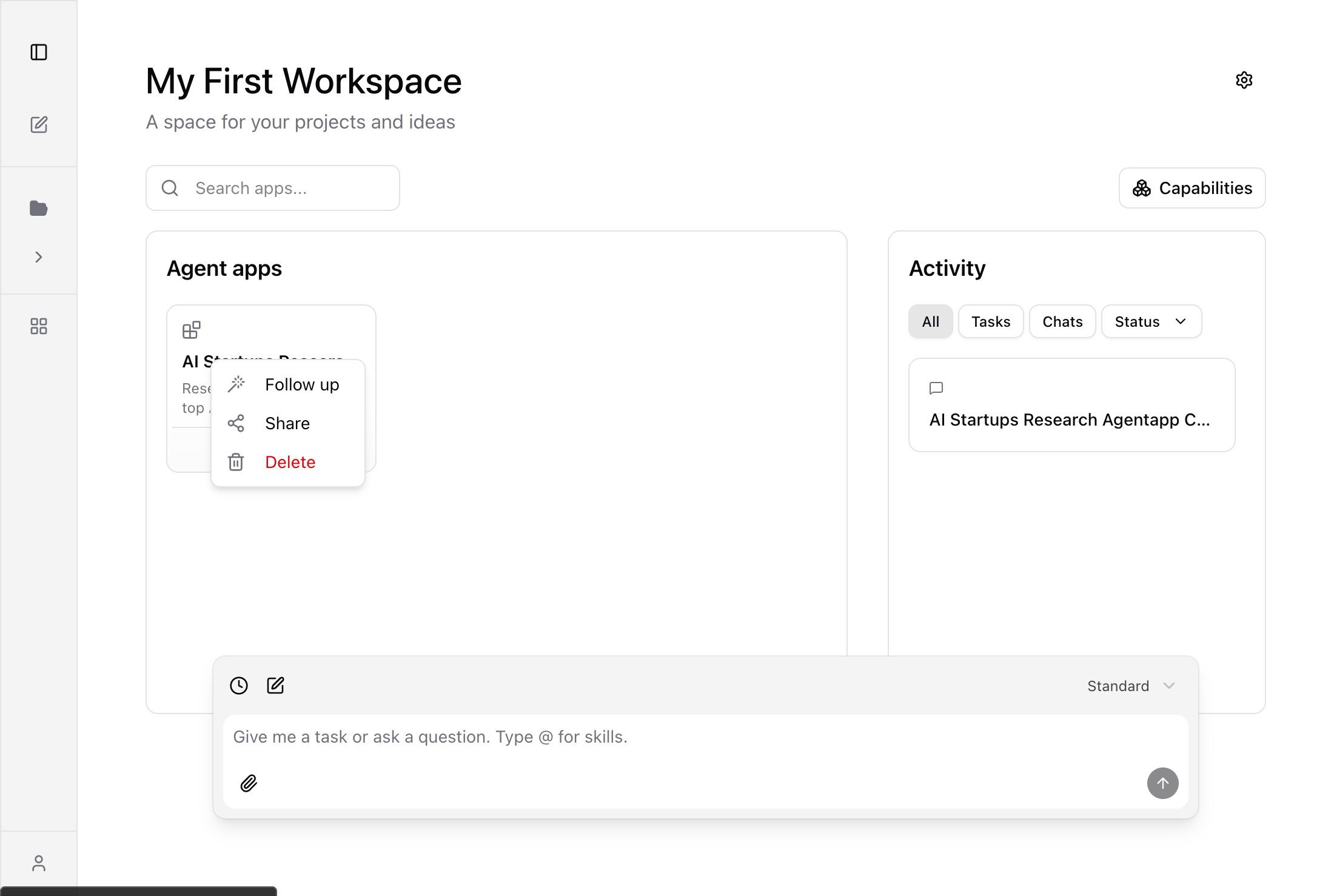
Follow-up chip appears in the chat bar
A follow-up chip is automatically added to the Super Agent chat input, linking the conversation to this Agent App.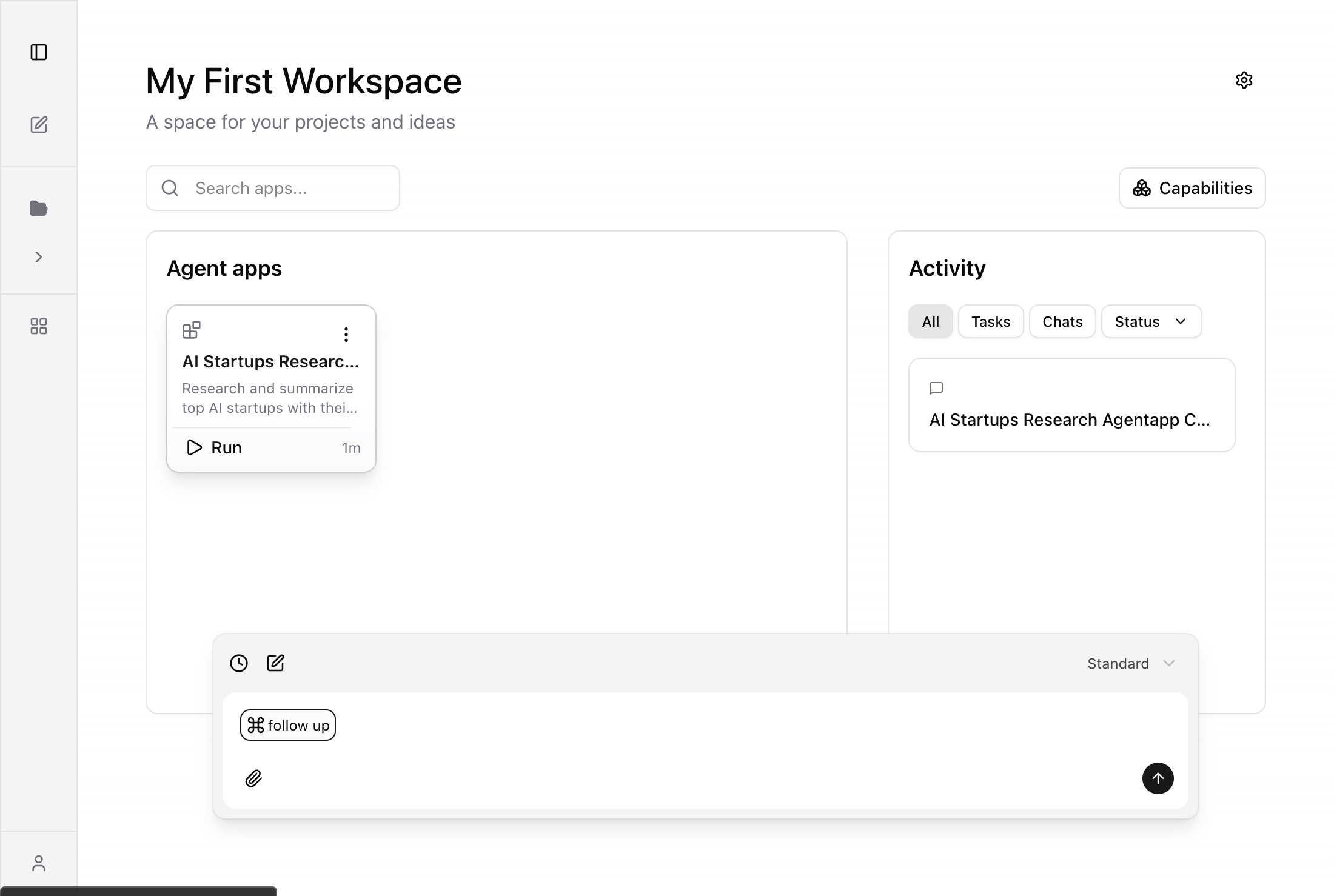
Type what you want to change
Describe your changes in plain language next to the follow-up chip. Be specific about what to add, remove, or modify.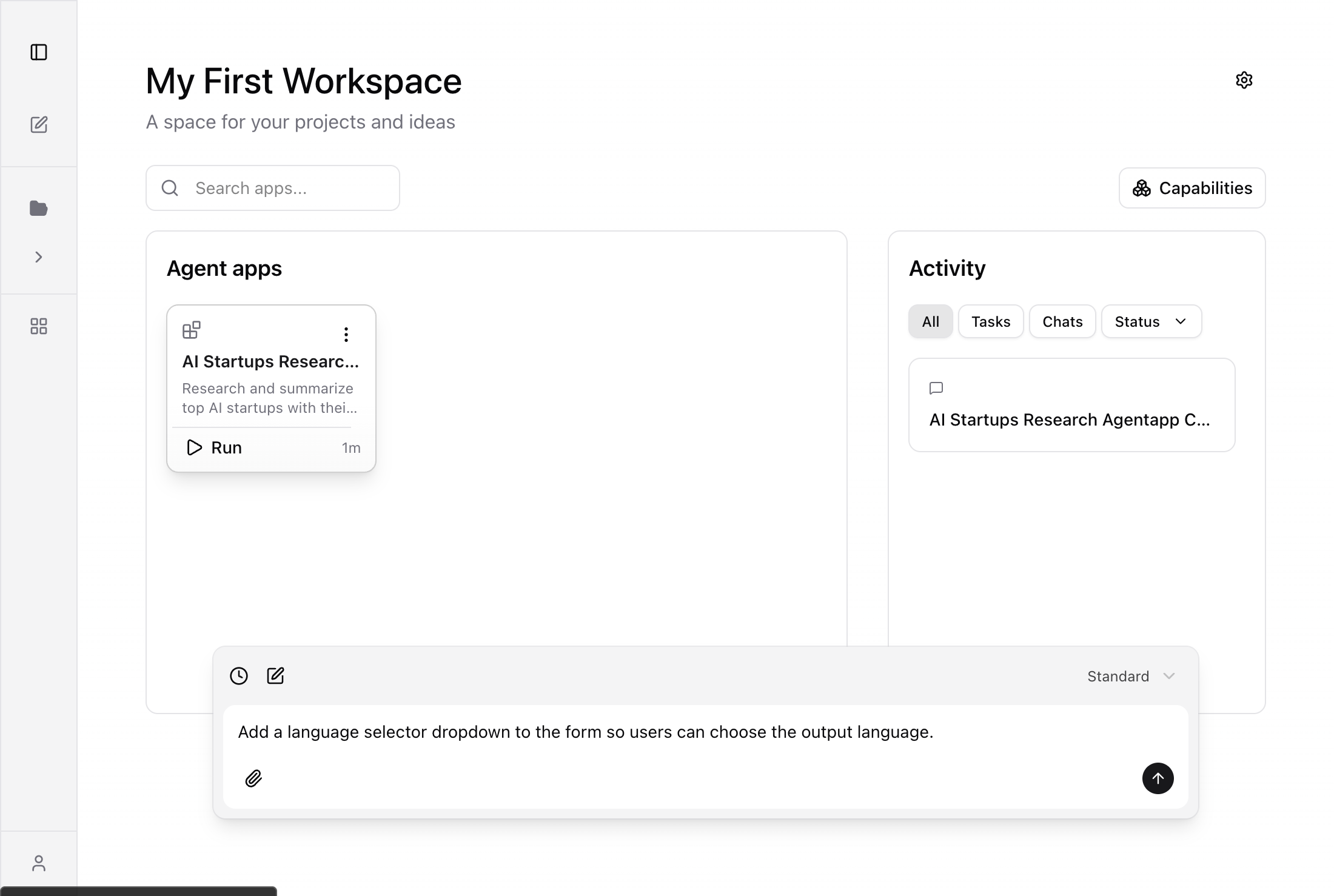
Super Agent applies the changes
The Super Agent analyzes the current Agent App and applies your requested modifications. It may update the form, logic, capabilities, or artifacts.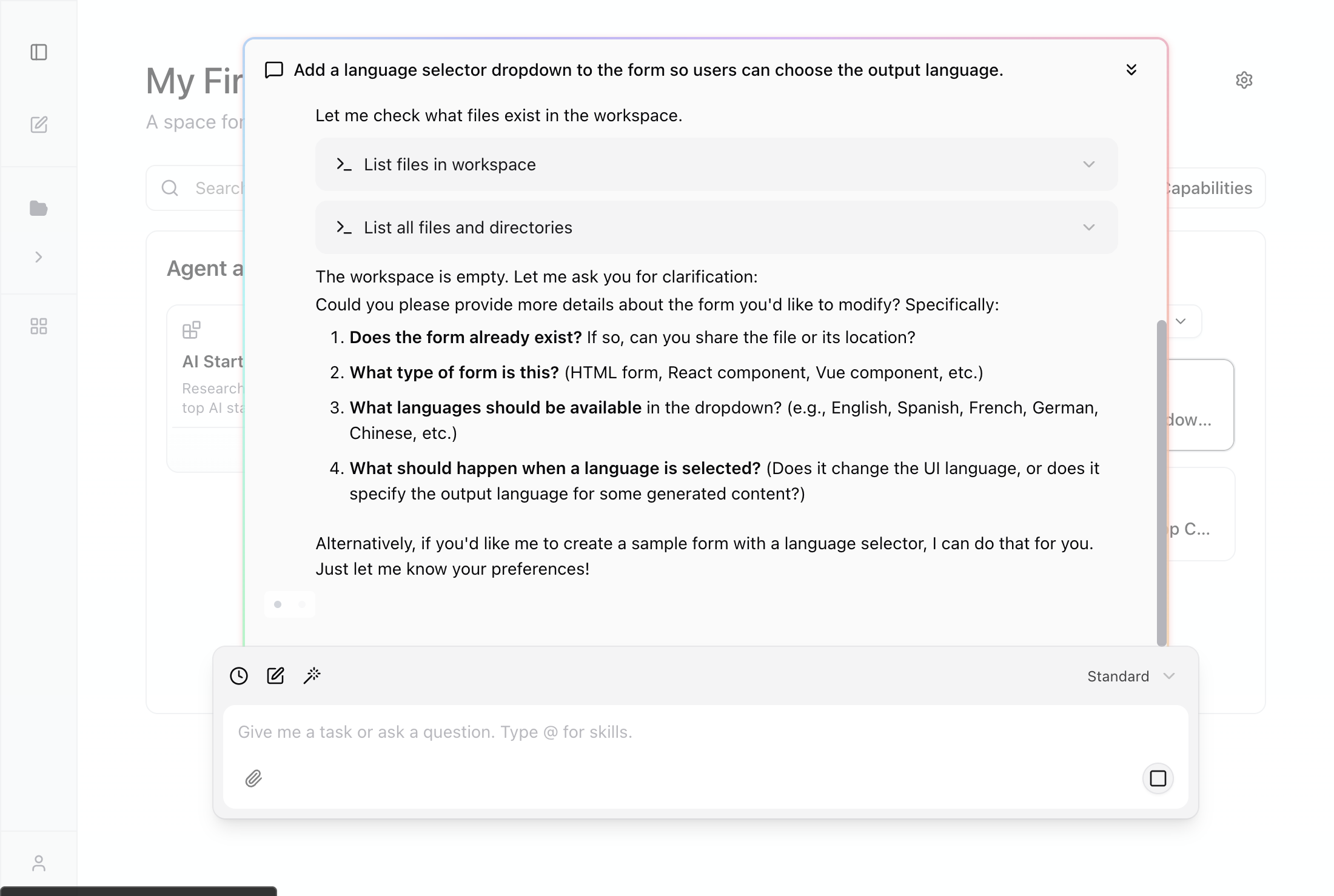
What to say
Be specific about the change you want. Examples:- “Add a language selector dropdown to the form so users can choose the output language.”
- “Change the output to a single summary table plus a PDF report.”
- “Remove the geographic focus field and simplify the form.”
- “Add error handling for when web search returns no results.”
What happens next
The Super Agent applies your request to the same Agent App. A new version is created automatically, so you can always restore a previous version if the change doesn’t work out. Open the Agent App again to run it with the updated behavior.Tips
- If you want a brand-new Agent App, start a new build instead of following up.
- Each follow-up creates a new version — check Settings > Versions to see the history.
- If the change needs more input from users, ask for new form fields rather than extra chat steps.
- You can follow up multiple times to iteratively refine the Agent App.