

Before you start
Create from the chat toolbar
Use this when you want to turn a successful Super Agent session into a reusable Agent App.Open the Super Agent chat you want to use
Run a Super Agent session that produces useful results. The full chat context will be used to create the Agent App.
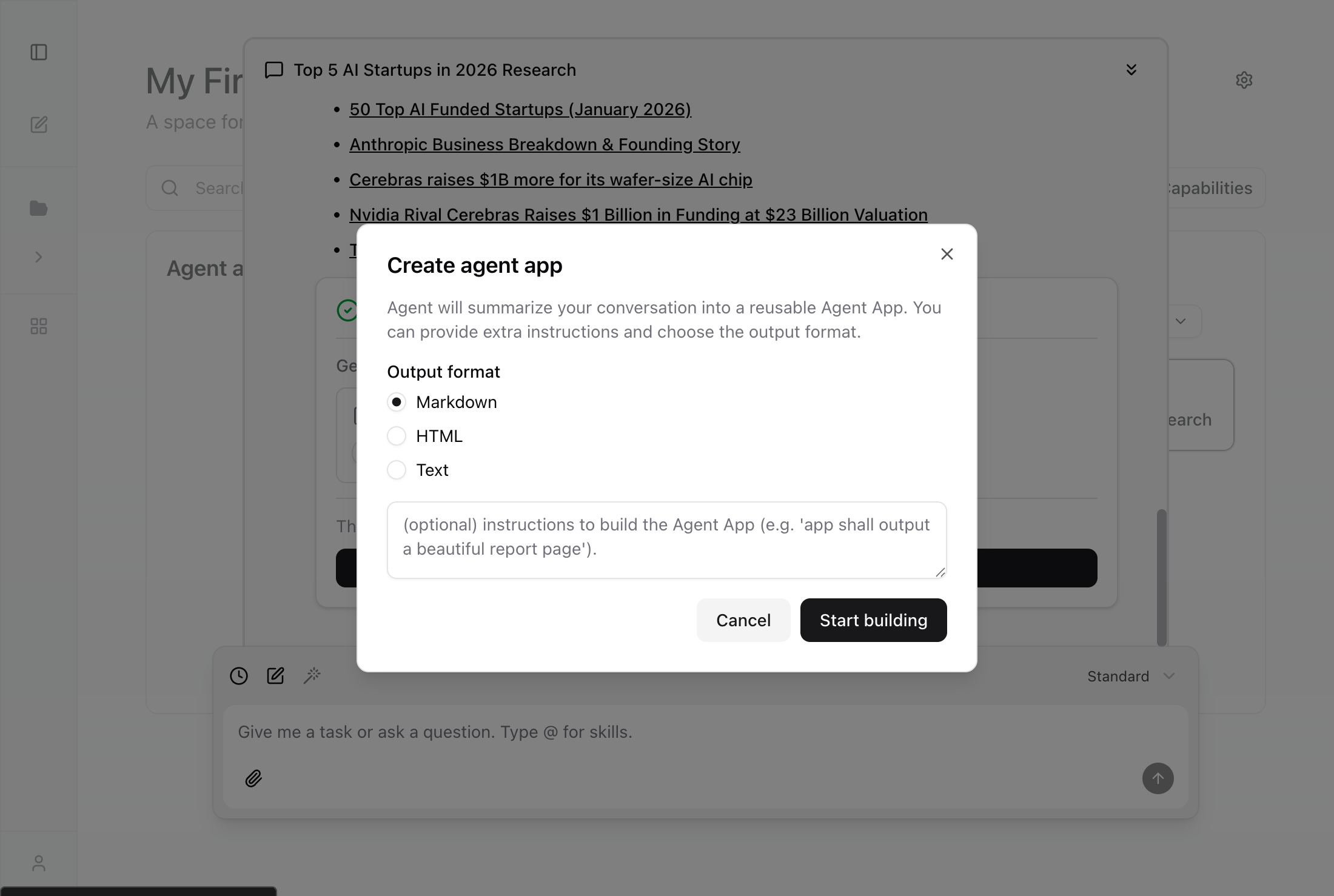
Choose format and add guidance
Select the output format (Markdown, HTML, or Text), add optional instructions, then click Start building.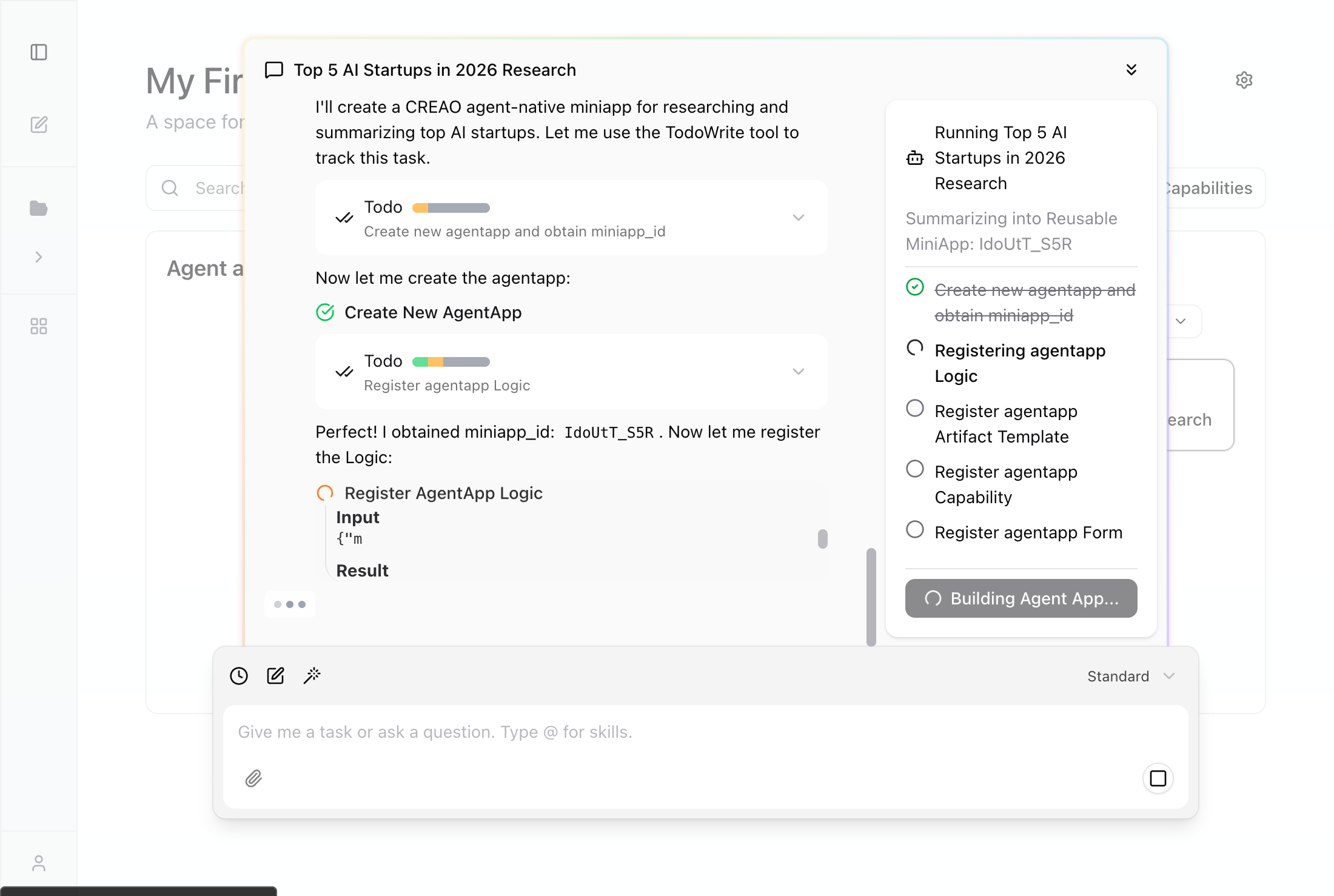
The Super Agent starts building your Agent App from the current chat.
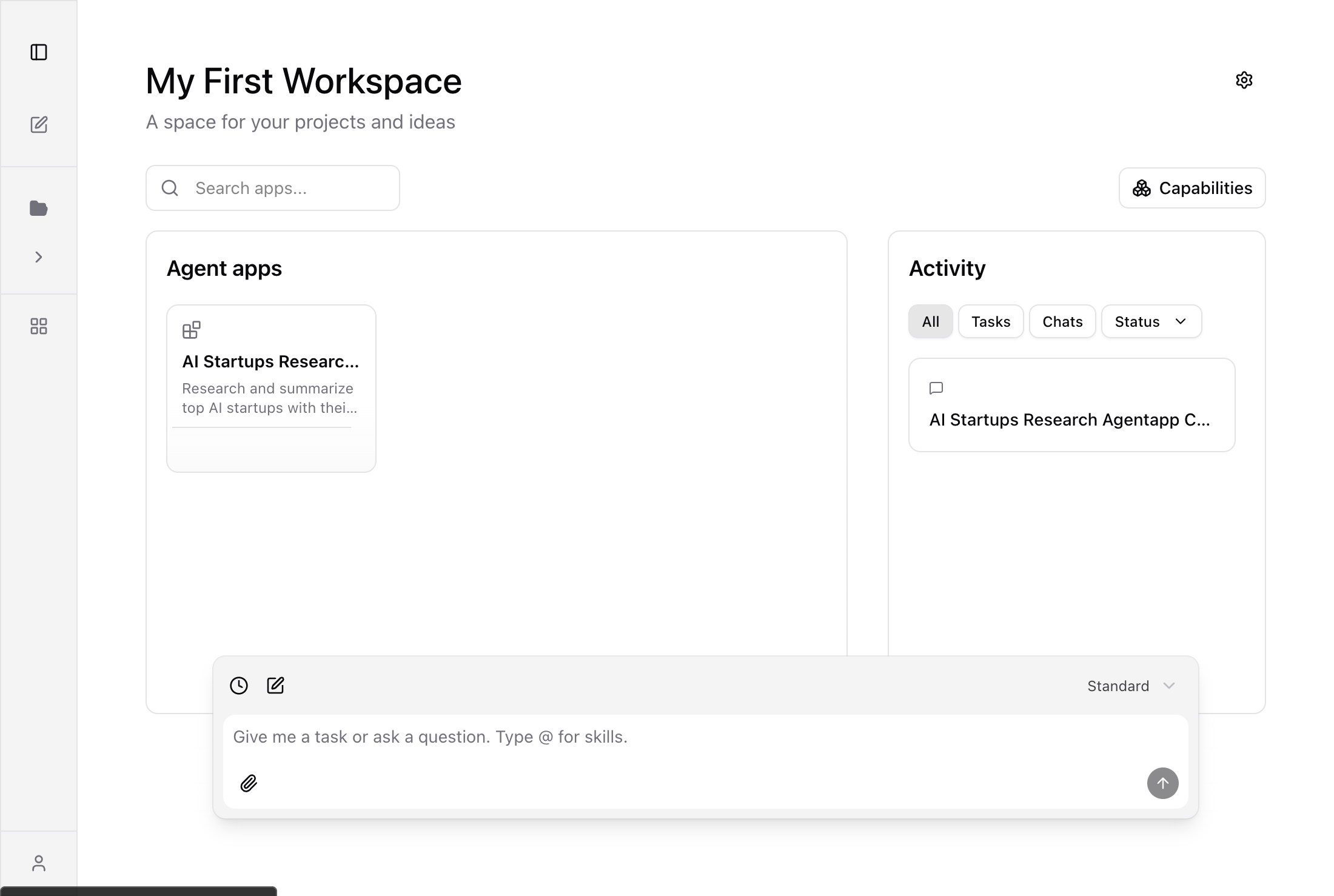
The Super Agent extracts the workflow into a Skill (logic prompt), creates a structured form for inputs, and registers any Connectors (integrations) used during the session.
Create from the completion card
When a Super Agent session finishes and generates artifacts (files, reports, etc.), a completion card appears with the option to save it as a reusable Agent App.Finish a Super Agent task
Run a session that produces artifacts. For example: “Search for information about CREAO AI and summarize the result in a markdown file.”
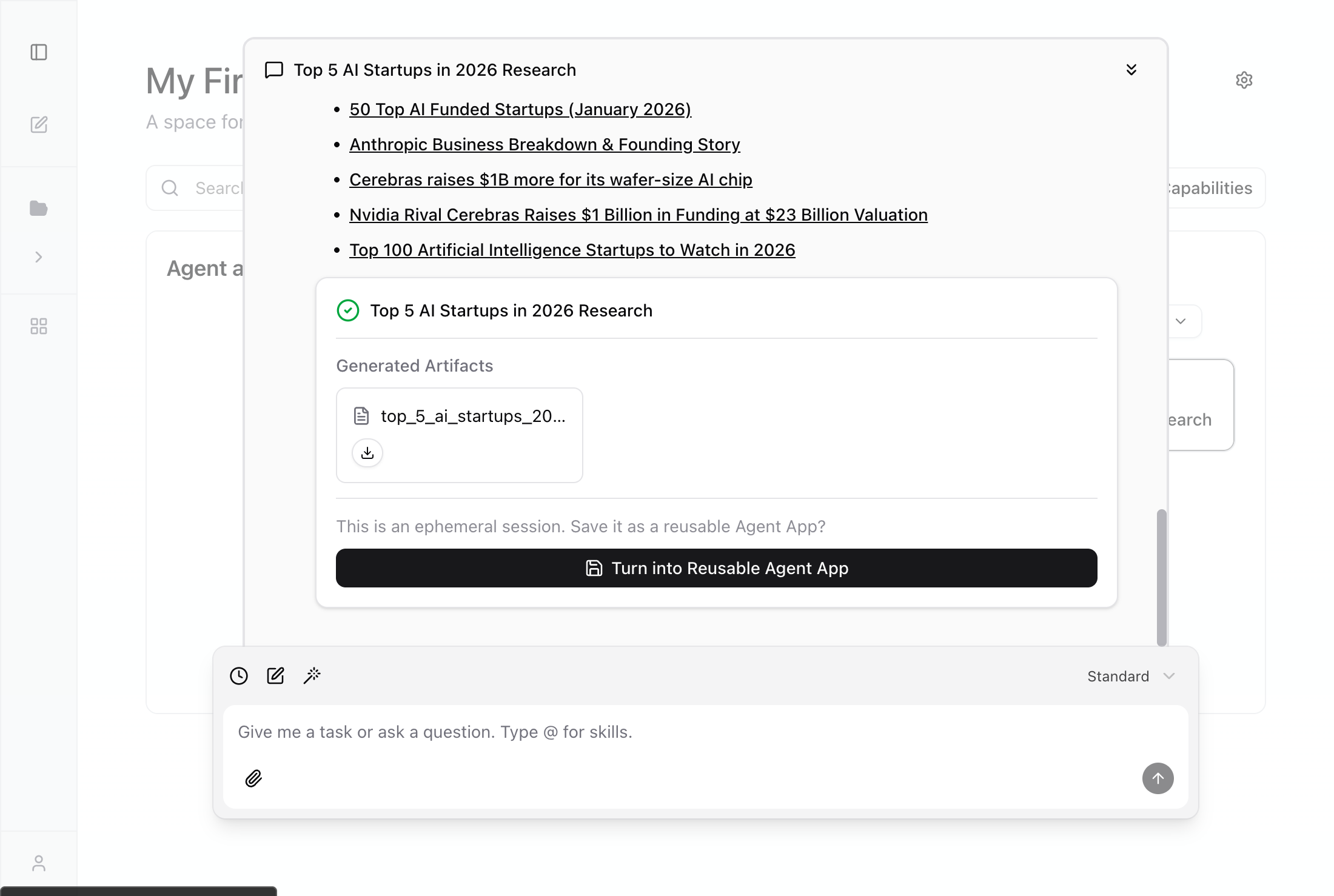
The completion card appears automatically when a session finishes and generates output files. This is the fastest way to save a successful session as a reusable Agent App.