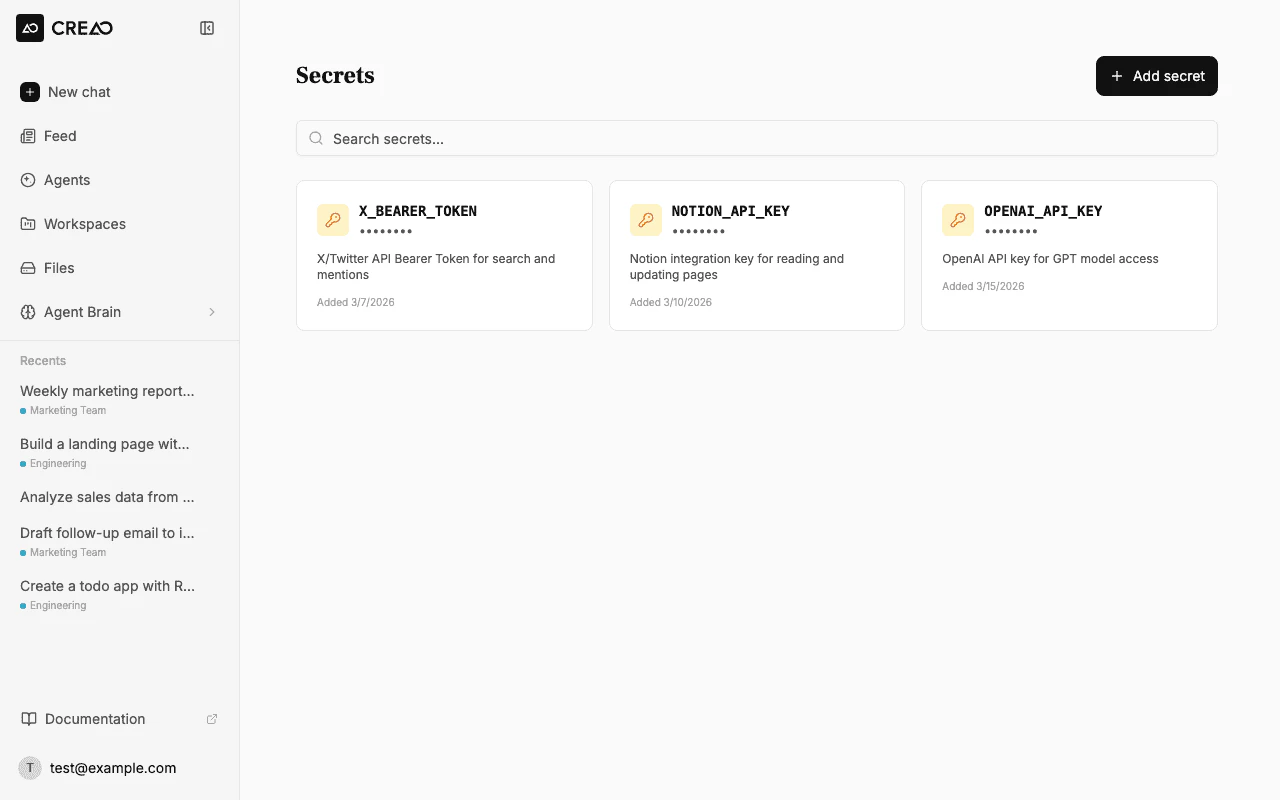
Secrets let you store sensitive credentials — API keys, bearer tokens, database passwords — that the agent can access as environment variables during conversations. Values are encrypted at rest and never displayed in plain text after creation.
Secrets are scoped to your account. Each secret is available as process.env.SECRET_NAME inside the agent sandbox.
When the agent needs an API key for a service that is not connected as a built-in integration, it may ask you to save a credential with an in-chat secure field. Use that field instead of pasting the key in the main message box — the value is stored the same way as secrets you add on this page (encrypted, available as process.env.YOUR_NAME in the sandbox). You can still manage everything from Secrets in the sidebar or account settings.
Click Secrets in the sidebar navigation to open the secret management page.
2
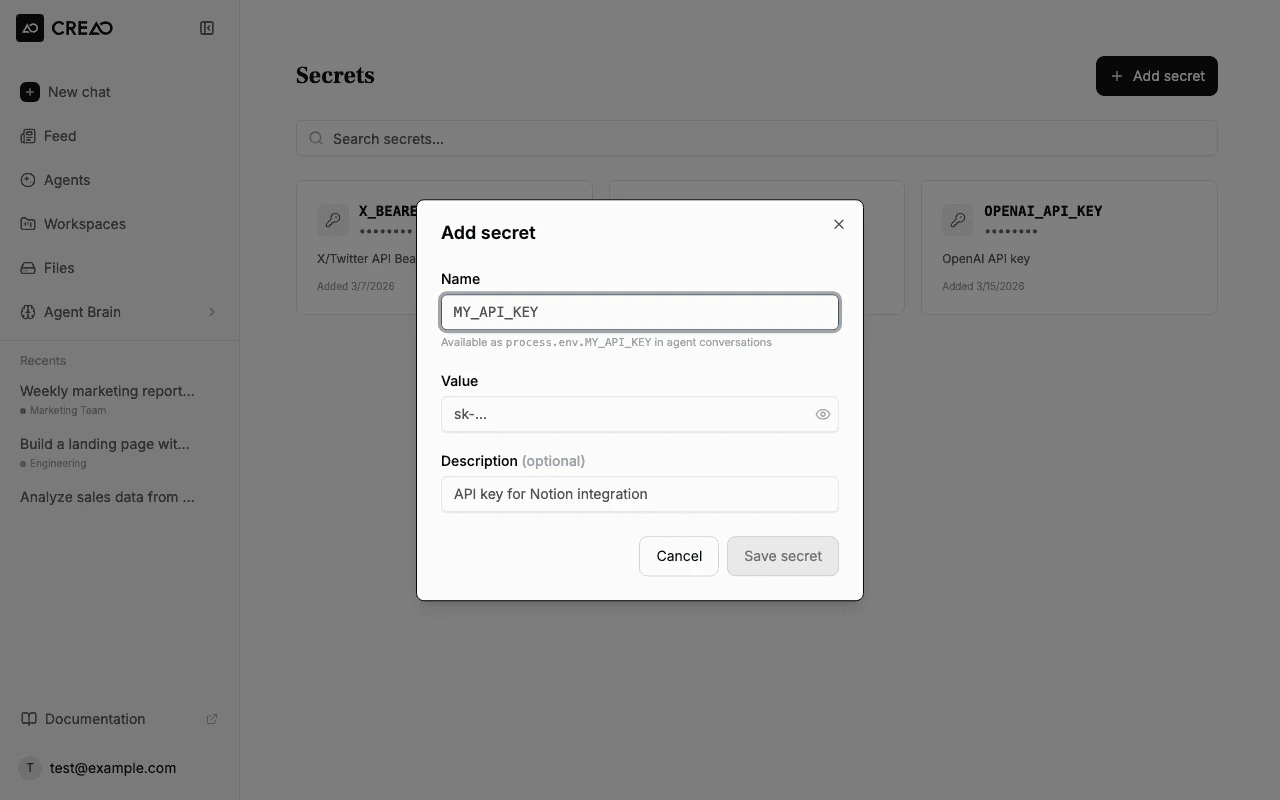
Click Add secret
Click the Add secret button in the top right corner.
3
Fill in the details
Enter the secret details:
Name — an uppercase identifier like X_BEARER_TOKEN or NOTION_API_KEY. This becomes the environment variable name (process.env.X_BEARER_TOKEN). Only uppercase letters, digits, and underscores are allowed.
Value — the actual secret value (API key, token, password). Hidden by default — click the eye icon to reveal it while typing.
Description (optional) — a note to help you remember what this secret is for.
4
Save
Click Save secret. The secret is encrypted and stored securely.
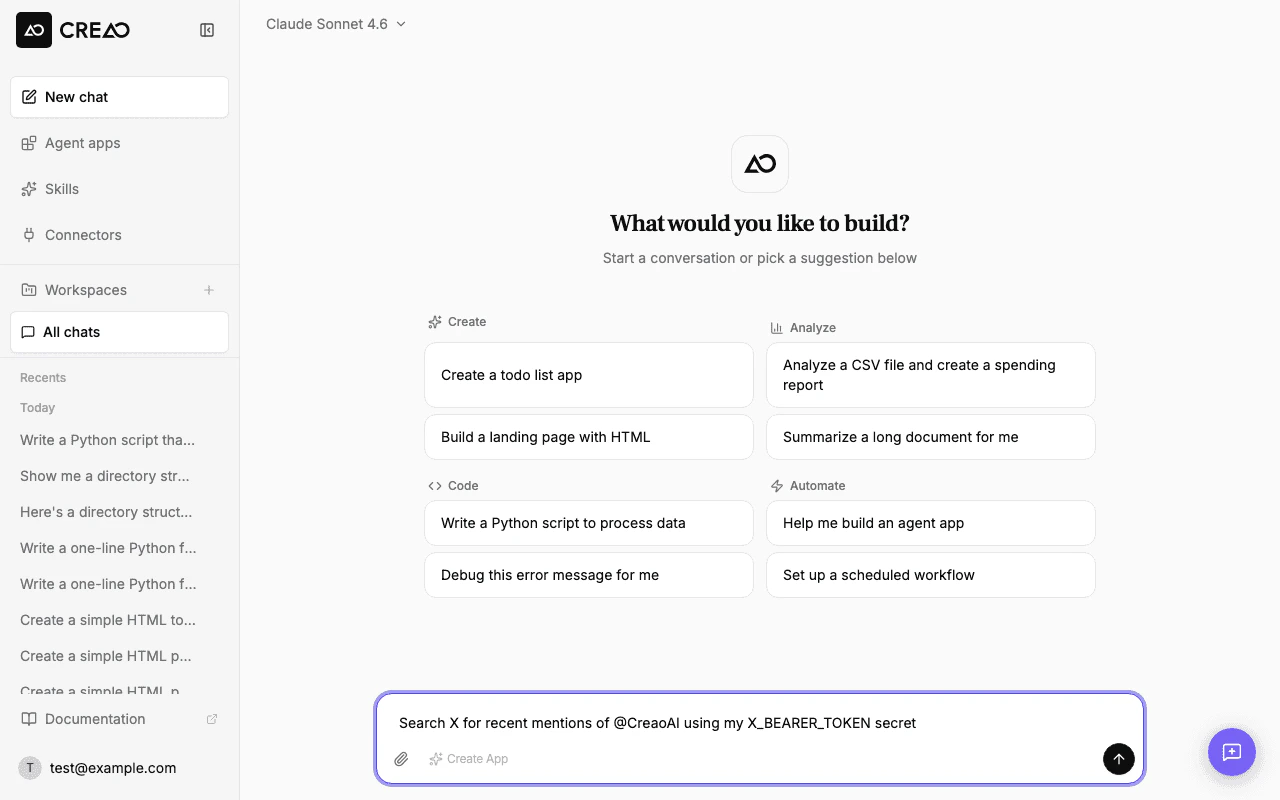
When the agent runs code in its sandbox environment, all your secrets are injected as environment variables:
import os# Access your secret in Pythonbearer_token = os.environ["X_BEARER_TOKEN"]# Use it in an API callimport requestsheaders = {"Authorization": f"Bearer {bearer_token}"}response = requests.get( "https://api.x.com/2/tweets/search/recent", params={"query": "@CreaoAI"}, headers=headers,)
// Access your secret in Node.jsconst bearerToken = process.env.X_BEARER_TOKEN;// Use it in an API callconst response = await fetch( "https://api.x.com/2/tweets/search/recent?query=@CreaoAI", { headers: { Authorization: `Bearer ${bearerToken}` } });
Secrets are injected into every agent sandbox session. Only store credentials you are comfortable the agent having access to.
Click the pencil icon on any secret card to update its value or description. You can change the value without re-entering the current one — leave the value field blank to keep the existing value.
Click the trash icon on the secret card and confirm the deletion. Any agent conversations that reference the deleted secret will no longer have access to it.
Use descriptive names that make it clear which service the secret belongs to. The agent can see the environment variable names and will choose the right one based on context.