Scheduled Runs let you execute agents automatically on a recurring basis. Set up a schedule once, and the super agent runs it at the specified intervals — delivering results without manual intervention.
Scheduled runs require Pro Plus or higher. On Free or Pro, existing
schedules stay saved (and can be paused or deleted) but don’t execute until
you upgrade. Pro Plus, Max, and Ultra also each have their own limit on how
many schedules can run at the same time — upgrading raises that limit.
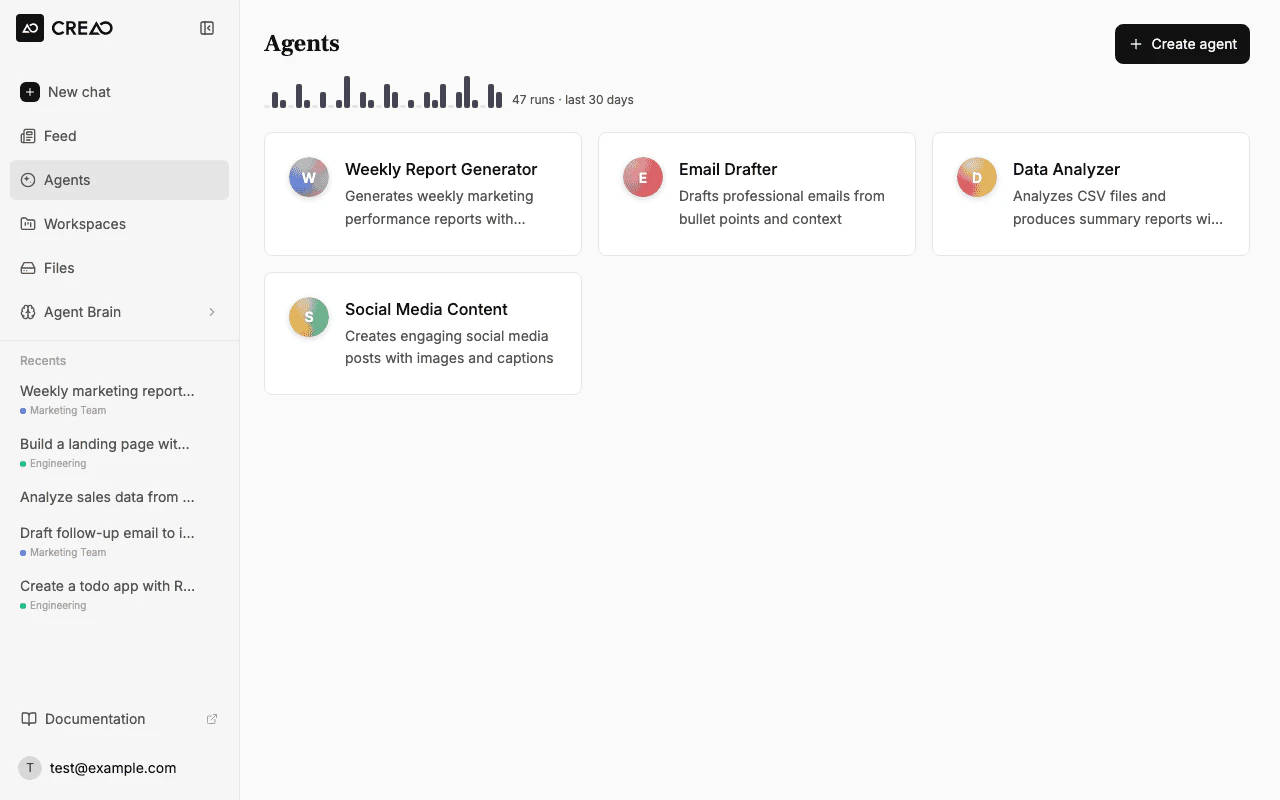
Navigate to the Agents page and select the agent you want to schedule.
The Agents page listing your available agents
2
Configure the schedule
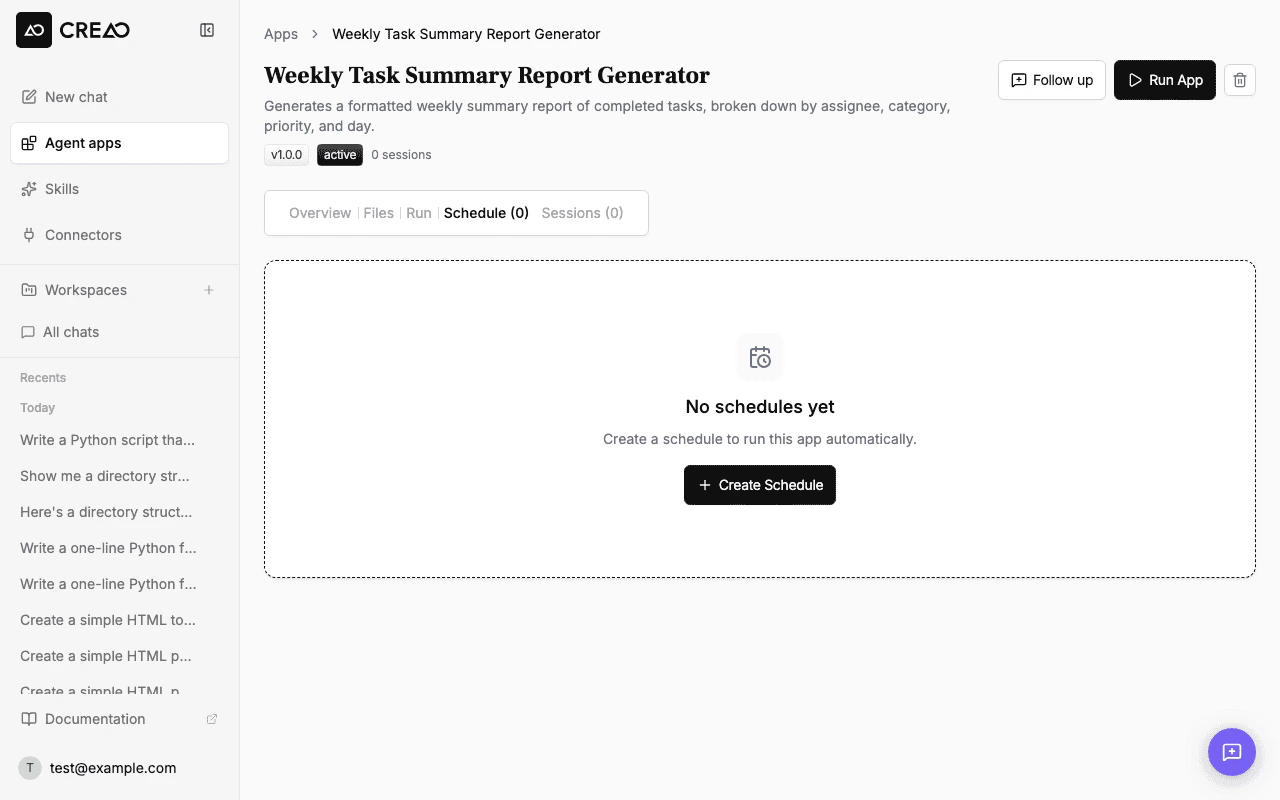
Click the Schedule tab on the agent detail page, then click + Create Schedule.
The Schedule tab with the option to create a new schedule
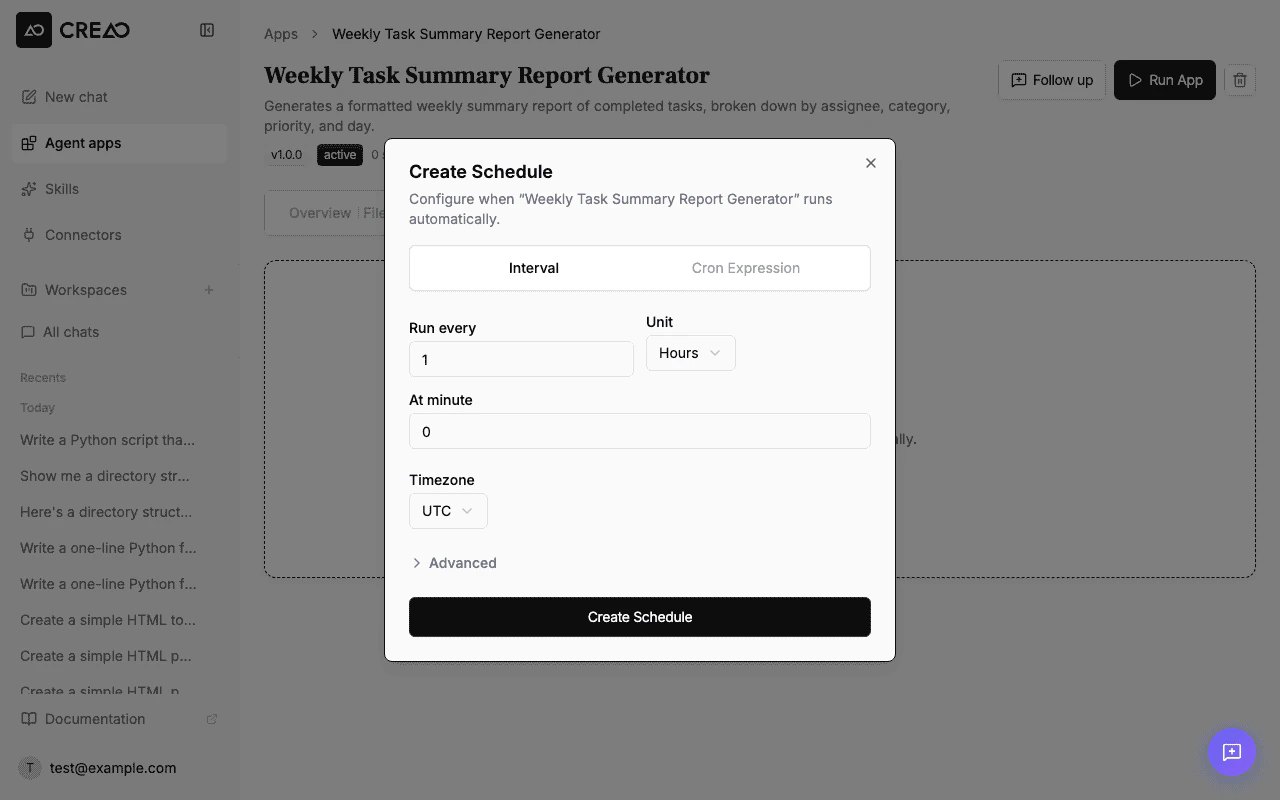
Configure your schedule settings:
Frequency — how often the agent runs (interval-based or custom cron expression)
Time — when during the day the run executes
Timezone — the timezone for scheduling
Delivery — choose whether to receive an email summary after each run (see Email delivery below)
A schedule runs on the agent’s Default model (set once in the agent sidebar) rather than a model chosen per schedule — see Default model.
The schedule configuration dialog with interval and cron options
Runs must be spaced at least 5 minutes apart. This applies to interval schedules and custom cron expressions alike — if your configuration would fire more often, you’ll see a validation message before you can save it.
3
Activate
Click Create Schedule to activate. The next run time appears in the agent detail page.
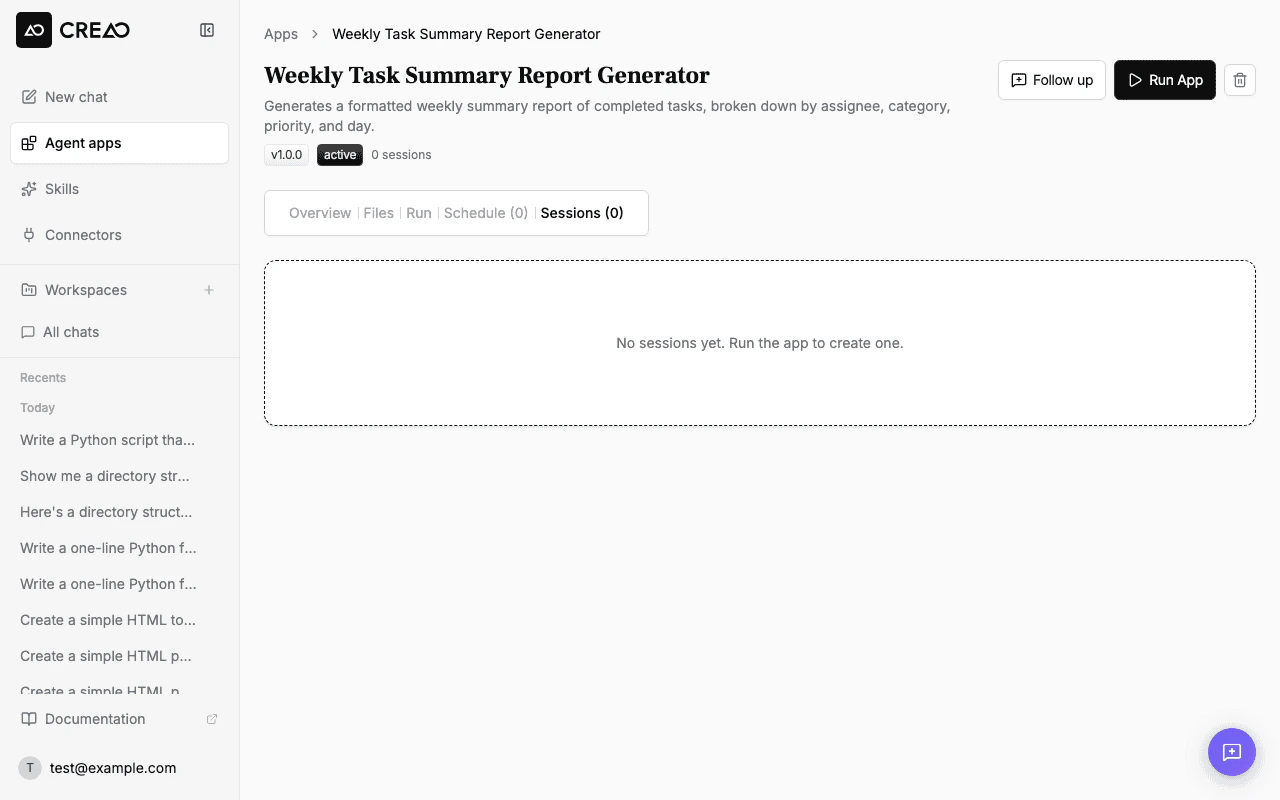
Every scheduled run happens in its own chat thread. These threads stay out of your recent-threads sidebar so scheduled agents don’t crowd out your own conversations — you’ll find them through the agent’s Sessions tab or the run’s session link.The moment you send a follow-up message in a scheduled run’s thread, it becomes part of your recent work: it appears in the sidebar like any other conversation and stays there. Searching in the command palette (Cmd+K) always finds scheduled threads, whether or not you’ve followed up.
Remove the schedule entirely from the agent detail page. Past run history is preserved.
Scheduled runs consume credits just like manual runs, with a minimum charge of 0.1 credits per completed run even if actual usage is lower. Skipped, deferred, and cancelled runs are not charged. Monitor your usage on the billing page to avoid unexpected costs.
If your account runs out of credits, scheduled runs are skipped instead of failing. Skipped runs show a Skipped badge in the Sessions tab and count toward the auto-pause threshold.When a schedule accumulates 2 consecutive skipped runs, it is automatically paused and you receive an email explaining:
Why the schedule was paused (insufficient credits)
How to resume (add credits and re-enable the schedule)
You can re-enable a paused schedule at any time from the Schedule tab. The auto-pause counter resets when you manually re-enable.
Skipped runs auto-pause faster than other failures (2 consecutive skips vs 5 for general errors) to avoid silently burning through daily credit grants on schedules that cannot succeed.