

Overview
Every agent session is powered by capabilities — the things the agent can actually do. There are two types:- Skills — modular instruction packages that teach the agent how to perform specific tasks
- Connectors — MCP integrations that give the agent access to external services
Skills
Reusable instruction sets that define how the agent approaches a task — from image generation to PDF creation to data analysis.
Connectors
MCP servers and APIs that connect the agent to external services like Gmail, Google Sheets, Slack, and more.
Skills management
Open the Skills page from the sidebar to browse, enable, and inspect skills. The panel has two sections:- Sidebar — lists your custom skills and all built-in skills with a search bar and GitHub install input
- Detail panel — shows the selected skill’s description, rendered
SKILL.mdcontent, and supporting files with syntax highlighting
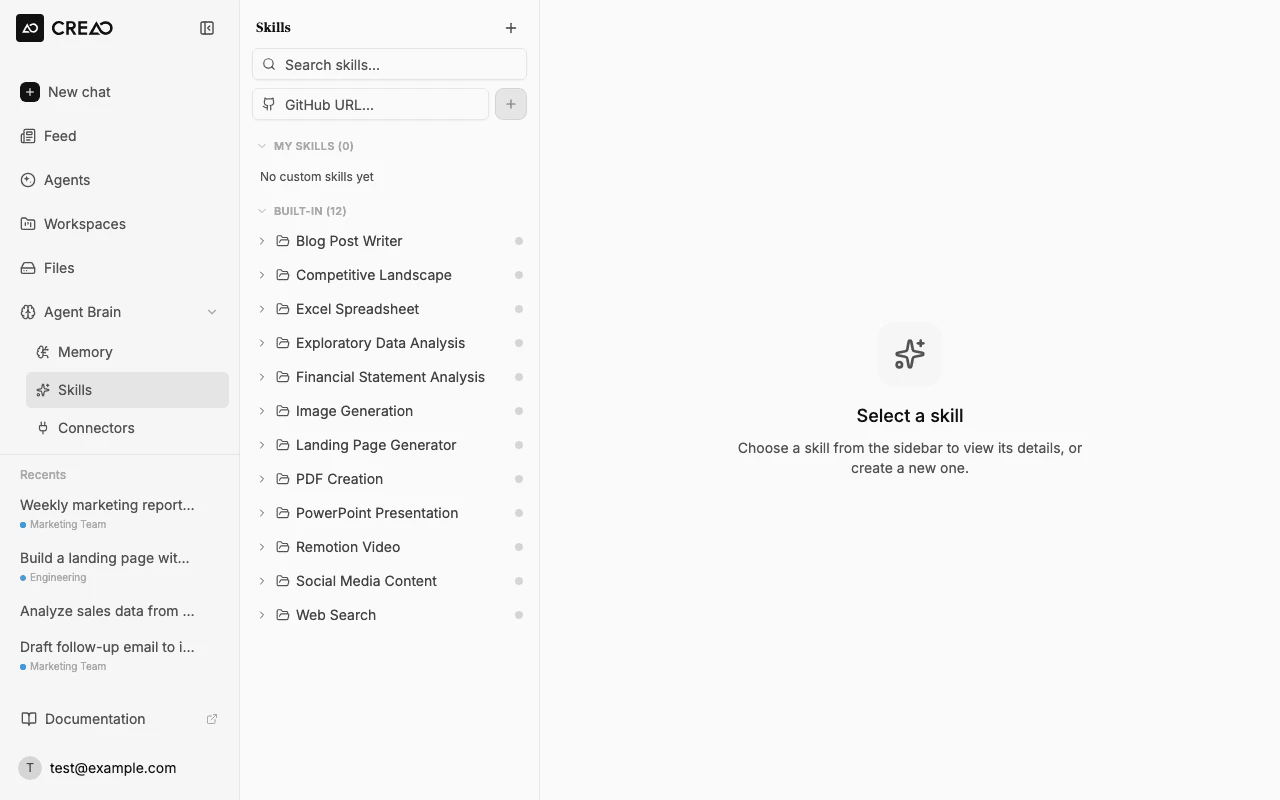
The Skills management panel with sidebar navigation and skill detail view
Disabling a skill means the agent will not use it even if your prompt would normally trigger it. This is useful for controlling costs or restricting the agent’s capabilities.
Connectors
Connectors link the agent to external services via MCP (Model Context Protocol). Once connected, the agent can read and write data in those services as part of its response.Available connectors
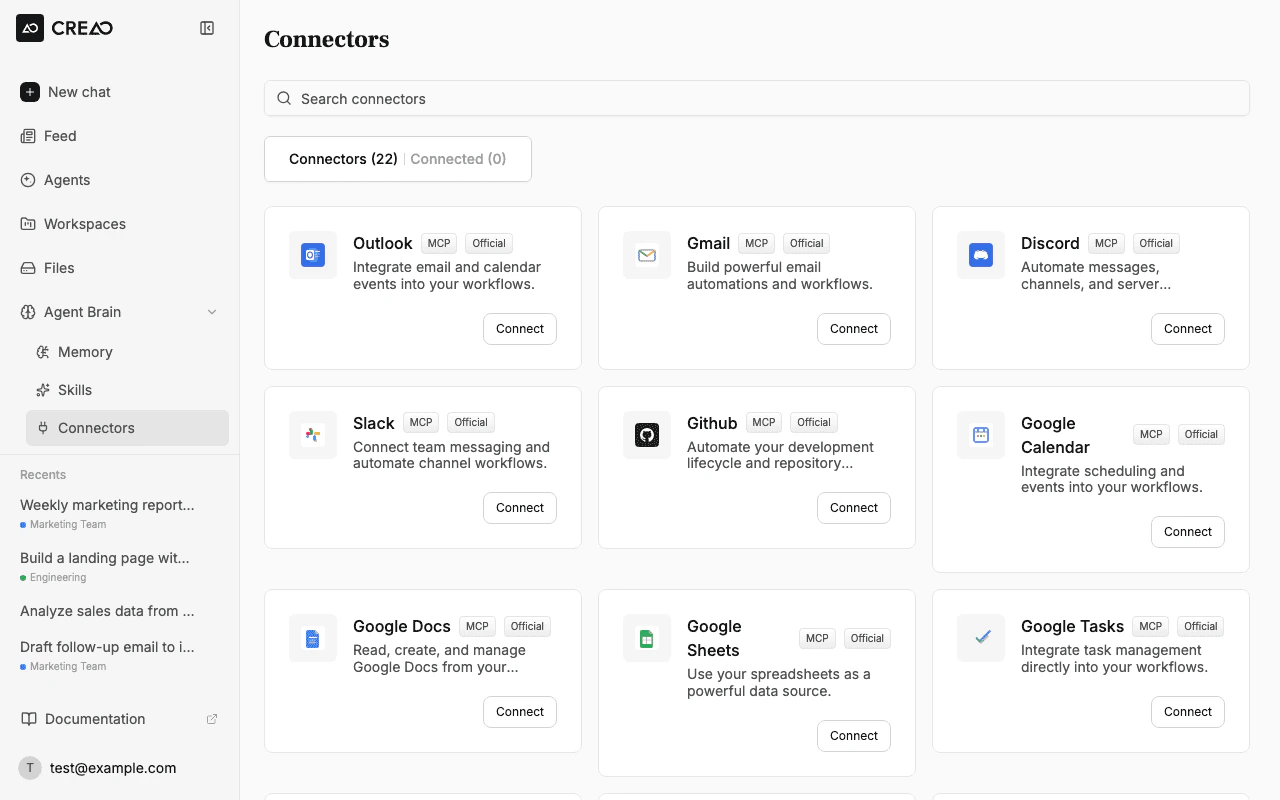
The Connectors page showing available integrations with OAuth connect buttons
New connectors are added regularly. If you need an integration that isn’t listed, let us know in the
#feature-requests channel on Discord.Connecting a service
1
Open the Connectors panel
Navigate to the Skills page and switch to the Connectors tab.
2
Click Connect
Find the service you want and click Connect. You’ll be redirected to the service’s OAuth flow.
3
Authorize access
Grant CREAO access to the requested permissions. You’ll be redirected back to the workspace.
4
Start using it
The connector is now available in your chat sessions. The agent will automatically use it when your request involves that service.
Using connectors in chat
Once connected, just describe what you need in natural language. The agent figures out which connector to use:@:
Built-in skills
The super agent comes with 30+ built-in skills covering a wide range of tasks. These are available out of the box — just describe what you need and the super agent will use the right skill automatically.Custom skills
Custom skills let you teach the agent domain-specific workflows that aren’t covered by the built-in skill library. A custom skill is aSKILL.md file with YAML frontmatter that tells the agent what to do and when.
There are three ways to add custom skills:
Install from GitHub
Paste any public GitHub repository URL that contains aSKILL.md into the GitHub URL input in the sidebar and click Install. The platform fetches the repository, validates the skill, and registers it automatically.
You can link to a repository root or a specific subdirectory:
Upload a ZIP file
Drag and drop a.zip file onto the sidebar, or click the + button to upload manually. The ZIP must contain a SKILL.md with name and description in the YAML frontmatter:
scripts/ folder with helper scripts the agent can execute.
Create a skill from chat
Ask the agent to create a skill directly in the chat window. Describe what you want the skill to do, and the agent will scaffold aSKILL.md and register it for you:
Custom skill format
Every custom skill needs aSKILL.md file with YAML frontmatter:
The markdown body contains the instructions the agent follows. Structure it with clear sections: when to use the skill, step-by-step procedure, and expected output.
@ Mentions
Type@ in the chat input to see a list of all enabled skills and connected services. Select one to explicitly direct the agent to use that capability.
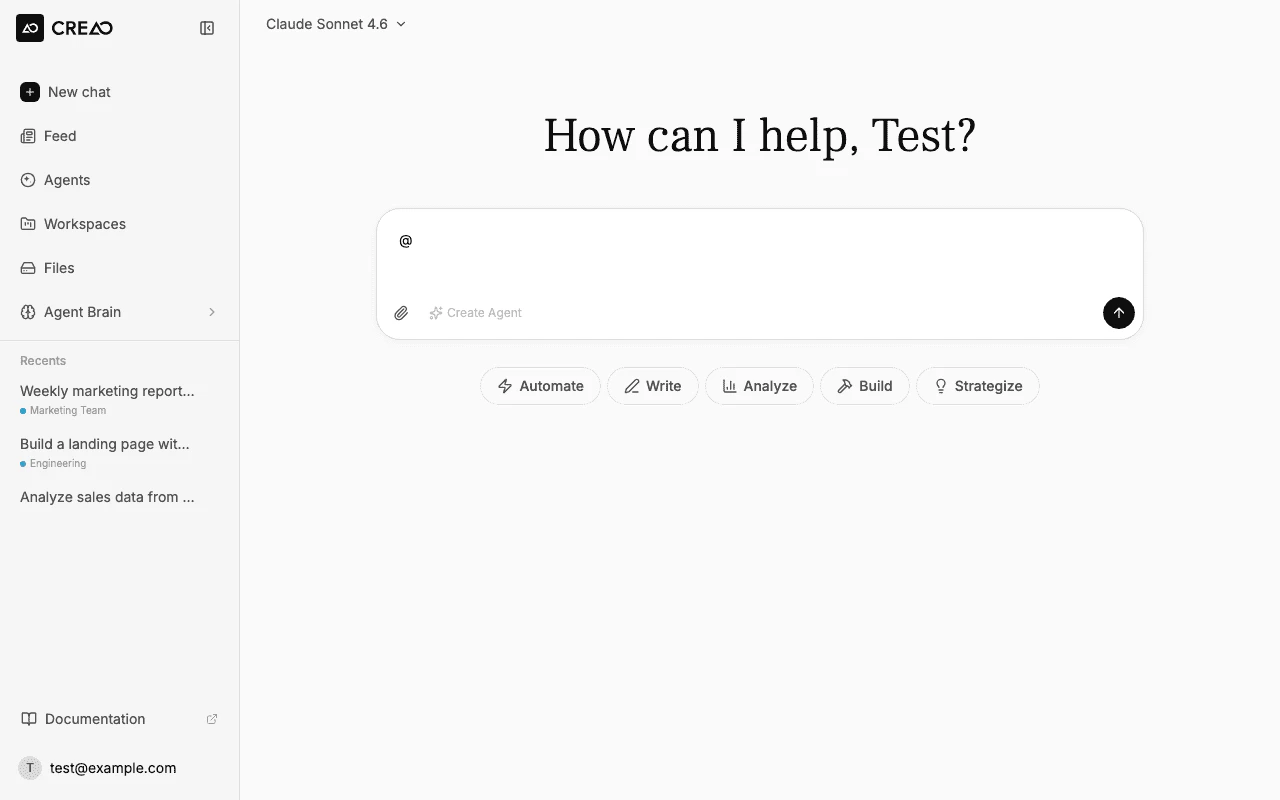
The @ mention dropdown showing enabled skills available in the current session
- You want to ensure a specific tool is used
- Your request could match multiple skills
- You want to reference a connector by name
Trust and safety
For privacy, permissions, and data-handling guidance specific to connectors and official built-in skills:- Connector Data Access — data categories, subprocessor relay model
- Skill Data Handling — what data skills operate on
- Connector Security — auth model, security controls
- Skill Security — safety boundaries, sensitive-domain guidance